Automatic
The AI chooses the camera that shows the action best. Nobody needs to sit at the desk.
- Follows the ball
- Detects key moments
- Cuts to a close-up after a goal
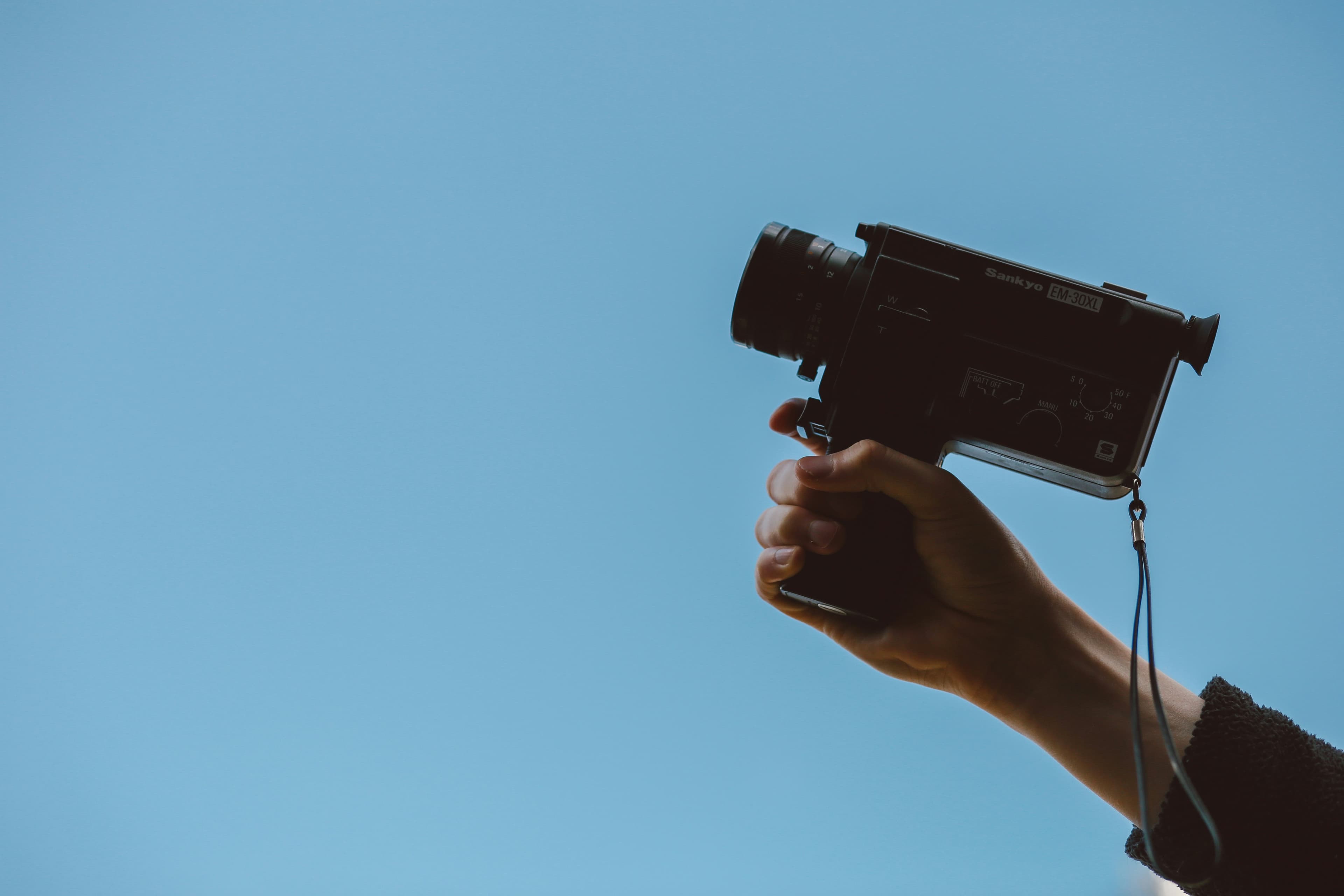
Up to 8 cameras around the pitch, switched automatically or by hand.
A six-camera setup for a football pitch. Start with camera 1 and add the others when you can.
The AI chooses the camera that shows the action best. Nobody needs to sit at the desk.
You decide what goes on air, with every camera in front of you.

| Resolution | 1080p, 4K UHD, HDR |
|---|---|
| Frame rate | 30 fps, 60 fps for sport, 120 fps for slow motion |
| Synchronisation | Shared timecode with automatic drift correction |
| Inputs | USB and network cameras: any camera your computer recognises |
| Recording | Local recording with cloud backup |
Download Castor. A question about where to put your cameras? Ask it on our Discord.